Business team
Defines the questions and indicators needed for decisions.
OCTO · Ready solutions
Your business may use several different programs. Octo helps bring data from those systems into shared reports through integration. See sales, production and stock data together in clear dashboards. Ask OCTO AI questions about your data, request summaries and prepare reports around your needs.
EVERYDAY USE
We can adapt this example flow to your responsibilities and record structure.
Choose the business question: sales targets, production progress or stock requirements.
Identify sources in your current programs and assess connectivity and access with technical owners.
Match customer, product and period records; prepare shared indicators and compare results with the sources.
Share reports with authorised users and agree refresh schedules and the indicators to follow.
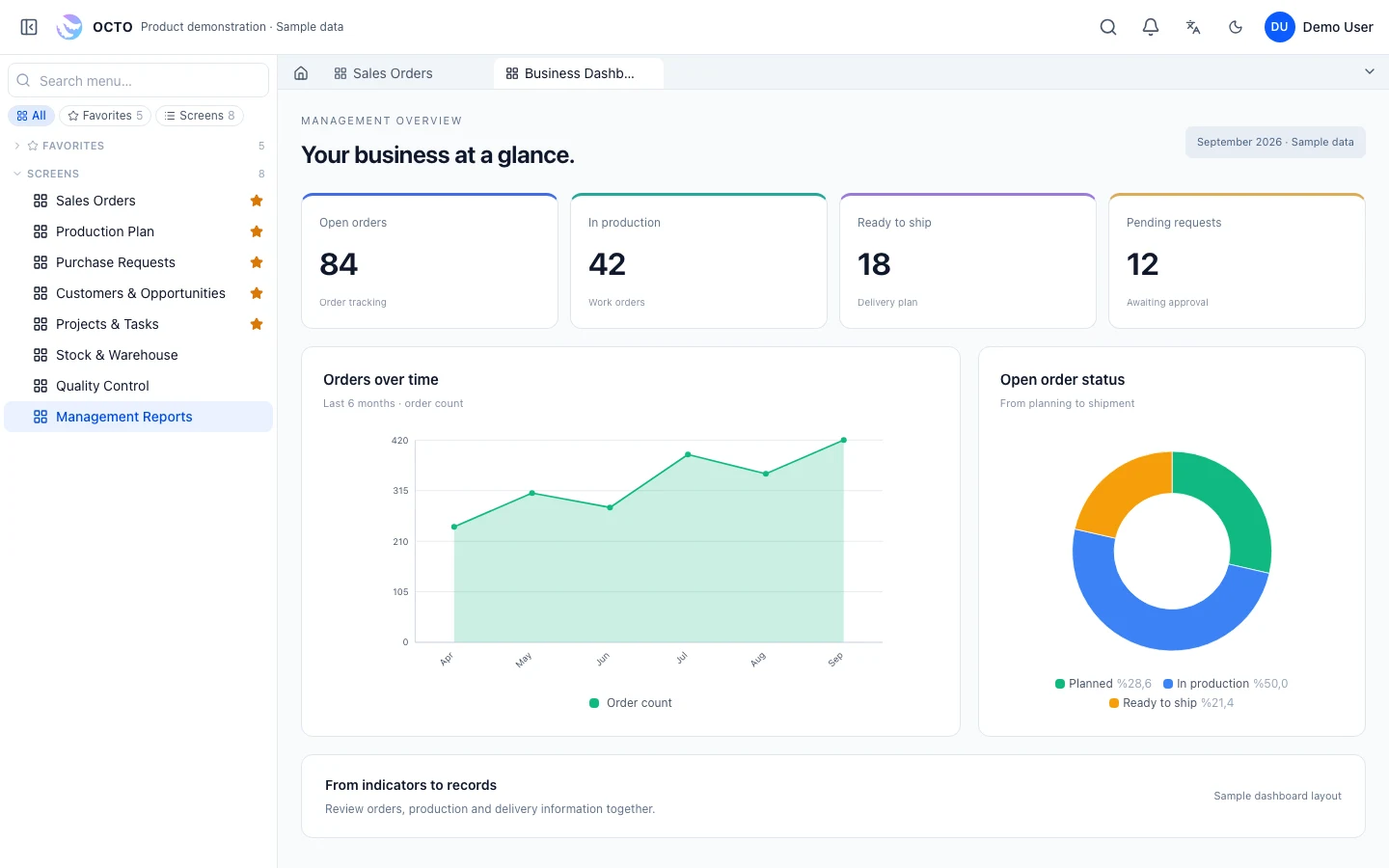 Enlarge screen ↗
OCTO AI
Which orders are pending, where does production stand and what changed this month? Describe your question in everyday language. Prepare reports, request summaries and explore different breakdowns with OCTO AI.
Explore OCTO AIExample responsibilities; access is configured during implementation.
Defines the questions and indicators needed for decisions.
Prepares queries, fields, filters and layout.
Reviews permitted data and decides on actions.
Changes are assessed for their effect on data, permissions and existing records, then deployed after testing and user review.
No. Where access to the data is available, you can keep using those systems while building shared reports in Octo.
Connectivity is assessed against the system’s APIs, exports or permitted data access. Development, data mapping and refresh schedules are agreed within the project.
ERP, manufacturing, customer management or a process unique to your business. Tell us what you need and let’s find the right starting point.